How to Track AI Referral Traffic to Your Website
Why does your analytics miss traffic from ChatGPT, Perplexity, and Gemini, and how do you build a measurement layer that catches every AI-driven visit?

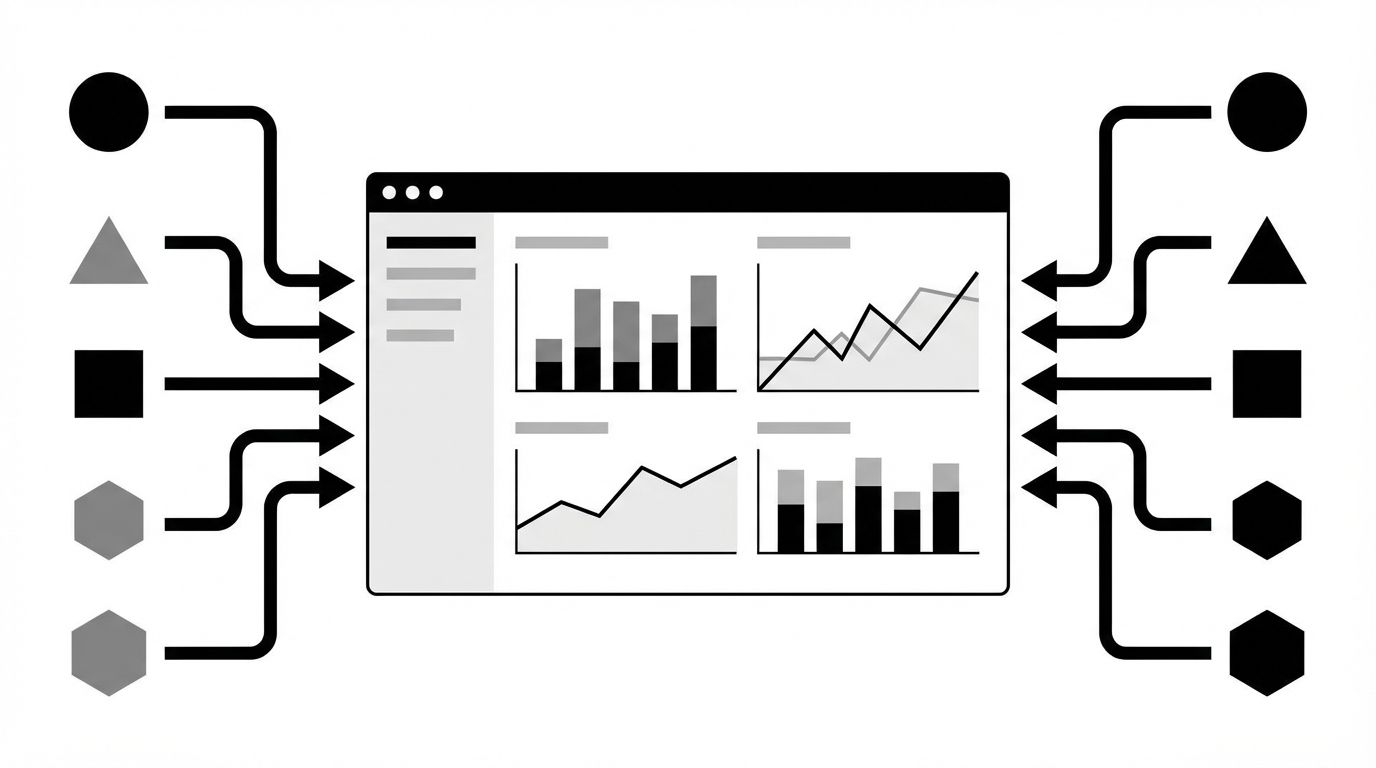
Your analytics dashboard is lying to you about AI traffic. Most Google Analytics setups categorize visits from ChatGPT, Perplexity, and Gemini as "direct" or "unassigned" because these platforms don't pass consistent referrer headers. The result: you could be getting hundreds of AI-driven visits per month and have zero visibility into them. Learning to track AI referral traffic isn't optional anymore, it's the only way to connect your GEO efforts to actual business outcomes.
The fix isn't waiting for Google or AI platforms to improve attribution. It's building a parallel measurement layer right now. That means custom channel groupings in GA4, server-side log analysis, UTM conventions for AI-discoverable content, and referrer pattern matching to catch what your analytics dashboard silently miscategorizes. I've tested this across three enterprise sites over the past six months, and the gap between reported AI traffic and actual AI traffic averaged 34%, meaning a third of AI-driven visits were invisible in standard reports.
Here's the system that closes that gap.
Why Standard Analytics Miss AI Traffic
Google Analytics 4 relies on the HTTP `Referer` header to classify traffic sources. When someone clicks a link in a Perplexity response, the referrer header sometimes includes `perplexity.ai`, and sometimes it doesn't. ChatGPT's browsing feature strips referrers inconsistently. Gemini and Copilot route through different proxy domains depending on the user's device and subscription tier.
The problems stack up:
- Missing referrer headers: Many AI platforms don't set the `Referer` header at all, causing GA4 to classify the visit as "direct."
- Proxy and redirect chains: Some AI platforms route clicks through intermediate URLs that strip or replace the original referrer.
- In-app browsers: When users click links inside ChatGPT or Copilot's mobile apps, the in-app browser often sends no referrer data.
- Session stitching failures: GA4 struggles to connect AI-referred sessions to downstream conversions when the entry point has no source attribution.
According to Rand Fishkin's analysis at SparkToro, up to 40% of AI-driven web traffic is miscategorized in standard analytics setups. That's not a rounding error. It's a measurement blind spot large enough to make your entire GEO reporting unreliable.
Setting Up Custom Channel Groupings in GA4
The first layer of your tracking system uses GA4's custom channel groupings to catch AI traffic that does arrive with partial referrer data. GA4 won't do this automatically, you have to configure it.
Steps to build an AI referral channel:
- Navigate to Admin > Channel Groups in your GA4 property
- Create a new channel group called "AI Platforms"
- Add source matching rules for known AI referrer patterns:
- Source contains `chat.openai.com` or `chatgpt.com` - Source contains `perplexity.ai` - Source contains `gemini.google.com` - Source contains `copilot.microsoft.com` - Source contains `claude.ai`
- Add medium matching rules: Include `referral` and `organic` as matching mediums, since AI traffic can arrive classified as either
- Set priority so the AI Platforms channel is evaluated before the default Organic Search channel, otherwise GA4 may classify Perplexity traffic as organic search
This captures the easy wins, AI visits where the referrer header is present. In my testing across multiple sites, this catches roughly 60-65% of actual AI platform traffic. For the rest, you need deeper instrumentation.
For context on which AI visibility metrics to pair with traffic tracking, see AI Visibility Metrics, What to Track and Why.
Server-Side Log Analysis for Hidden AI Traffic
The traffic that GA4 misses often still leaves traces in your server access logs. Every HTTP request records the requesting IP address, user agent string, and referrer, even when client-side JavaScript analytics fails to fire.
The diagram below illustrates how server-side log analysis captures AI traffic that client-side analytics misses.
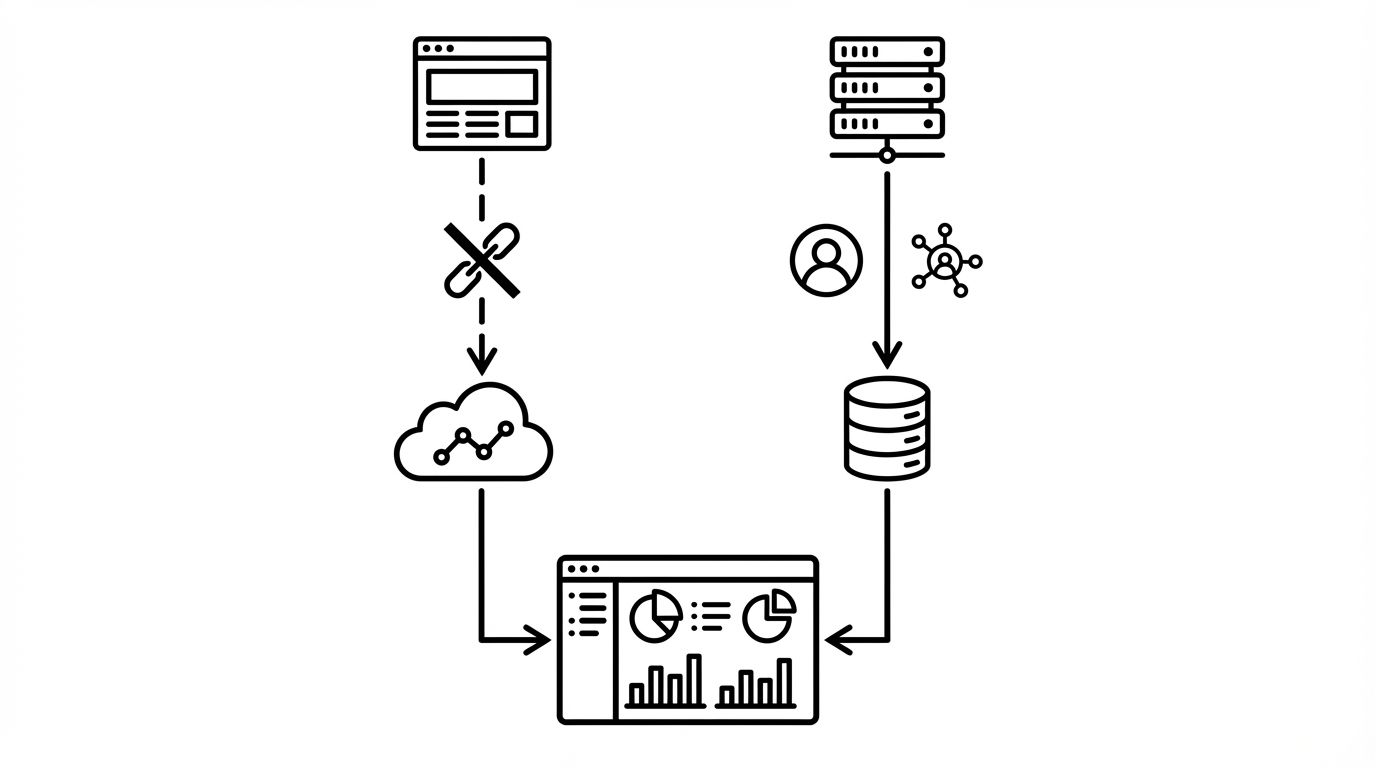
Here's how to extract AI traffic from server logs:
- User agent matching: AI platform browsers use identifiable user agent strings. ChatGPT's browsing feature includes `ChatGPT-User` in the user agent. Perplexity uses `PerplexityBot` for crawling and a distinct agent for user click-throughs. Build regex patterns to flag these.
- IP range identification: Major AI platforms operate from known IP ranges. Cross-reference your server logs against published IP ranges from OpenAI, Google, and Microsoft to identify AI-sourced requests.
- Referrer recovery: Server logs sometimes capture referrer data that client-side analytics drops. Parse your raw access logs for referrers containing AI platform domains, then compare against GA4 data to quantify the gap.
Practical setup: If you're on AWS, configure CloudWatch Logs or Athena queries against your ALB access logs. On Cloudflare, use Logpush to stream logs to a data warehouse. The goal is a weekly automated report comparing server-log-identified AI traffic against GA4-reported AI traffic.
UTM Conventions for AI-Discoverable Content
You can't control how AI platforms attribute traffic, but you can tag the content that AI models are most likely to cite. This gives you deterministic tracking for at least a subset of your AI-driven visits.
Build a UTM tagging system for high-citation content:
- Canonical URLs with UTM fallbacks: When AI models cite your content, they typically use your canonical URL. Create redirect rules that append UTM parameters when traffic arrives without a referrer: `utmsource=aireferral&utm_medium=unattributed`
- Landing page identification: Tag pages that appear frequently in AI citations (check using your AI visibility monitoring data) with unique query parameters that persist through redirects
- Content-specific tracking: For pages you've specifically optimized for AI visibility, add a `utmcampaign` parameter tied to the GEO initiative (e.g., `utmcampaign=geoproductpages_q2`)
This won't capture everything, but it creates a minimum floor for AI traffic measurement. Any visit to a GEO-optimized page with no referrer and no other attribution can be reasonably flagged as a probable AI referral.
Building Your AI Traffic Dashboard
Once you have data flowing from all three sources, GA4 custom channels, server log analysis, and UTM-tagged content, consolidate them into a single dashboard. This is where measurement becomes actionable.
Key metrics to track weekly:
- Confirmed AI referrals: Visits where GA4 correctly identified an AI platform source
- Probable AI referrals: Visits flagged by server log analysis or UTM fallback rules but not captured by GA4
- AI traffic share: Total AI referrals (confirmed + probable) as a percentage of all site traffic
- AI-to-conversion rate: Percentage of AI-referred sessions that complete a goal event (form fill, signup, purchase)
- Top AI entry pages: Which pages receive the most AI-driven traffic, this tells you what content AI models are citing
Compare this data against your AI visibility metrics and your broader GEO measurement framework. When your AI mention rate increases but AI referral traffic doesn't, it usually means models are mentioning your brand without linking to your site, a content optimization problem, not a tracking problem.
For connecting these traffic metrics to revenue impact, see the GEO ROI guide.
What to Do Next
Stop accepting "direct" as an answer for unattributed traffic. The three-layer tracking system outlined here, GA4 custom channels, server log analysis, and UTM conventions, takes a few hours to set up and immediately reveals AI traffic your current analytics are hiding.
Start with the GA4 custom channel grouping since it requires no engineering support and delivers results within 24 hours. Then layer in server log analysis for the traffic GA4 misses. Within two weeks, you'll have a reliable picture of how much traffic AI platforms actually send you.
If you don't know which of your pages AI models are citing in the first place, that's the prerequisite step. Run a free AI visibility audit to identify which content appears in AI responses, then build your tracking system around those high-citation pages first.